
 −70%


Sexting Tips: Pacing, Photo Asks and 5 Lust Levels
Sexting tips on pacing, teasing and asking well — and why GoLove.ai is the pick for practice: in-chat photo requests, memory. See how it works.
The best sexting thread I can show you starts with a boring hello and doesn't get explicit until the fifth message. That delay is the reason it works. Most bad sexting isn't a vocabulary problem. It's a pacing problem.
Sexting Is an Arc, Not a Single Message
Read the thread below as four beats. It opens barely flirty, then moves into a tease that hints without delivering. By the time the selfie request comes, it's asked, not demanded, and only then does the delivery land. Every tip in this article hangs off one of those four stages.
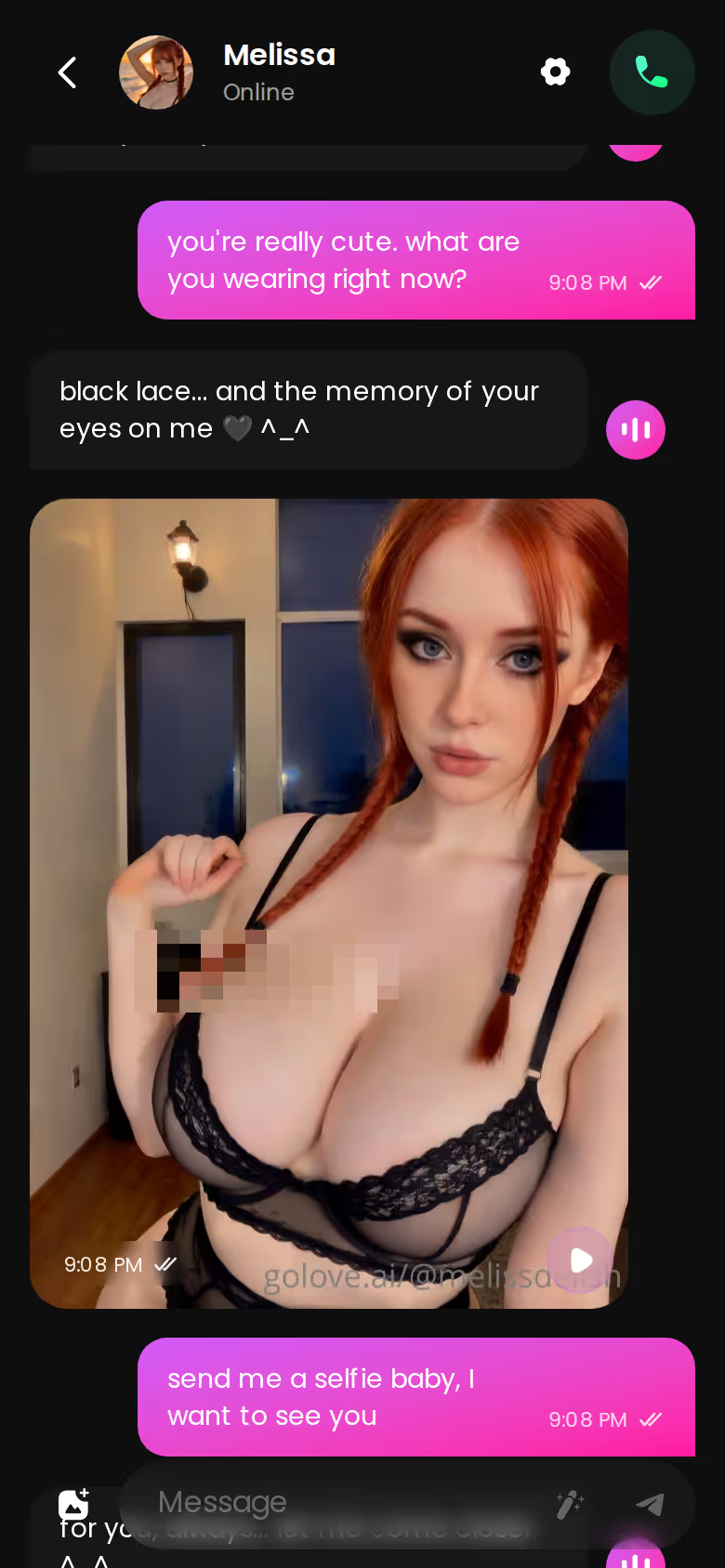
The stage people skip is the middle. They go from "hey" to explicit in two messages and then wonder why it lands flat. Tension needs room. Slow the middle down and the payoff does most of the work for you.
If you want to rehearse that arc before trying it on a person, GoLove.ai is where I'd point you. Its Chat Settings let you dial intensity across five lust levels and reply length across five steps. Ask the character for a photo and she answers with a picture of herself, right there in the same thread.
How long should the build-up take? Longer than you think: a few exchanges, not a few seconds.
The Explore roster is the fastest way in. Pick a character, the chat opens, and you can run a full opener-to-photo arc tonight. For a practice ground, GoLove.ai is the one I'd start on.
Before You Sext a Real Person: Consent and Privacy
Everything above assumes the other person wants to be there. With a real partner, consent is the opener stage done properly. Treat it as the first move of the arc, not a speed bump before the fun.
 5 episodes
 7 episodes
 5 episodes
 5 episodes
 5 episodes
 5 episodes
 7 episodes
 6 episodes
 9 episodes












An explicit message nobody asked for isn't sexting — it's a liability.
Before you hit send:
- Ask first. Before anything explicit, a plain "want to get a little dirty?" does more than any line.
- Agree on what stays between you, and put it in writing so neither of you has to guess.
- Keep faces, tattoos, birthmarks and recognisable rooms out of frame. A bare wall beats the bedroom with your name on the mail.
- Never forward anything, and never share screenshots. That includes "just to a friend" and "as a joke."
- Check the messaging app's delete and save settings: disappearing messages, auto-save to your camera roll, cloud backups.
- Adults only, always. No exceptions.
- Read their reply speed and tone. If long answers shrink into one-word replies, slow down instead of escalating.
Does any of this kill the mood? Not if it's done well. It builds trust, and trust is what lets the slow build actually go somewhere.
Words That Do the Work: Specifics, Questions and Callbacks
Here's where vocabulary finally matters, just not the way most tips lists suggest. Good lines are specific, they hand the turn back, and they remember what was already said.

- Specifics over adjectives. "That grey hoodie, and nothing under it" beats "you're so hot." Low-effort compliments? Skip them.
- End on a question. "What would you do if I were there right now?" hands them the next move.
- Callbacks. "Still thinking about what you said earlier" turns separate messages into one story.
- Describe what you'd do, not just what you want. Action reads as intent; wanting reads as a request.
- Match length to mood. Short lines stack tension, while longer messages pull someone into a scene.
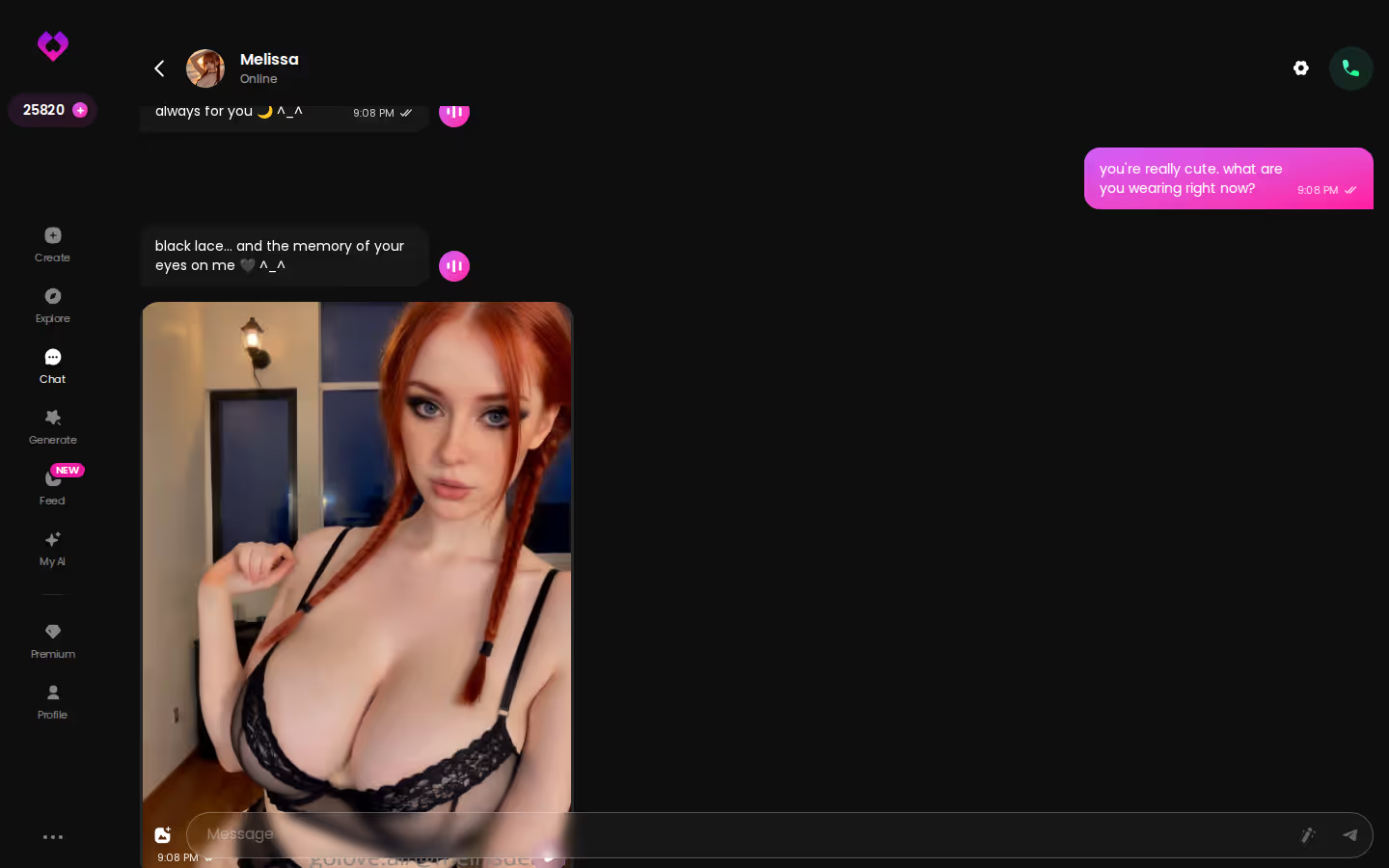
That last point is easy to say and hard to feel until you've tried both. GoLove.ai's response-length slider runs from 1 (short, snappy) to 5 (rich, immersive), so you can run the same scene at both ends and see how differently it reads. Callbacks work there because of memory. The character keeps the chat history, which means a detail from earlier in the thread is still in play when you bring it back.
Characters you can open right now
Tap any of them and the chat starts there






To see how far specificity can go once roleplay gets particular, here's what kinky AI chat looks like when roleplay gets specific.
Rehearsing the Arc on GoLove.ai: Lust Level, Reply Length, Photo Asks
The arc maps onto the app pretty cleanly. Step by step:
The short version: GoLove.ai puts live voice calls, memory and photos on request in one chat, and its image generator adds 35 realistic poses and 21 outfits. You also get 2 reward stars every day you log in.
- Warm up. Watch episodes 1 and 2 of My Professor Locked the Door. They're free, even without an account. Under the player, tap Start Chatting to message Jessica (@HotlineJess). Or skip the show and pick someone from Explore, where the chat opens straight from her card.
- Settings. Open Chat Settings. Set the lust level to 2 for a slow build and the response length to 2 for snappy back-and-forth.
- Scene. Write your own opener. The magic-wand button suggests three replies, but save it for when you're actually stuck (leaning on it from line one defeats the point of practising).
- Photo ask. At the ask stage, tap the media button, choose Send Photo and describe the scene in your own words. A photo of the same character, consistent with her avatar, arrives in roughly 20–45 seconds for 1 Star.
- Payoff. Under the photo, Generate Video turns that scene into a ~5-second clip for 10 Stars. It's optional. The photo is the point.
- Next session. Raise the lust level when you want more intensity. You keep the same character and the same history.
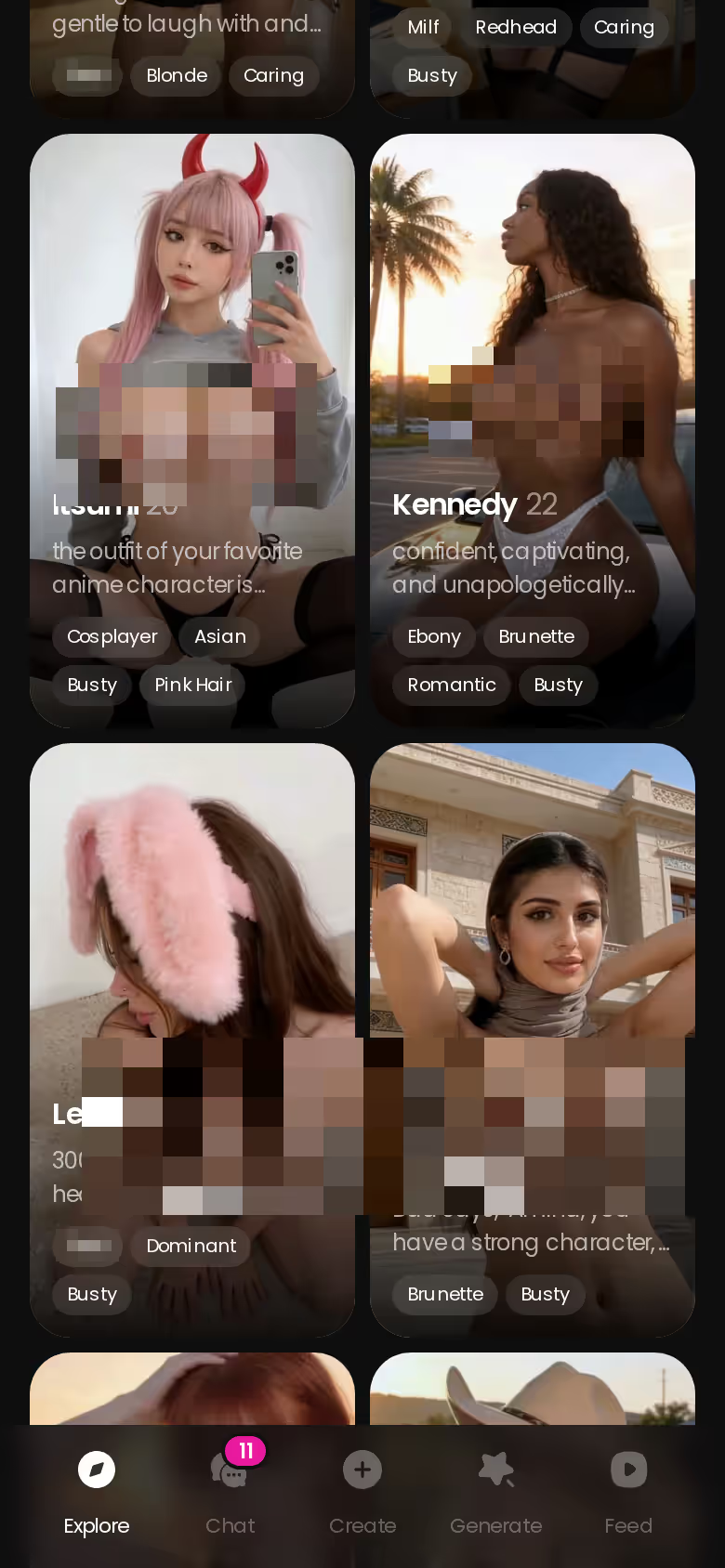
Step 4 is the one that carries straight back to real partners. A good photo ask describes a mood, not a body part. "Something from bed, lights low, like you just woke up thinking about me" gives someone a scene to play. "Send nudes" gives them a chore.
What Practising Costs: GoLove.ai Next to OurDream
Neither app lets you practise for free forever, so here's what the bills look like side by side. Prices vary by region and promo.
| GoLove.ai (our pick) | OurDream | |
|---|---|---|
| Monthly | PRO about $19.99 (checked 2026-10) | Premium about $19.99 (checked 2026-09) |
| Annual | About $119.88/year (checked 2026-10) | About $119.88/year (checked 2026-09) |
| Included | 100 Stars/month, all NSFW content, voice messages and calls, unlimited Feed | Chat, images and video in one bundle; media draws on 1,000 DreamCoins per cycle |
| Photo in chat | 1 Star | Not confirmed |
| Photo → video in chat | One tap, 10 Stars | Not confirmed |
| Free entry | 2 daily Stars + Series episodes 1–2 | Not confirmed |
| Platform | Mobile and desktop | Web-only (checked 2026-09) |
On price, it's a tie. If you want chat, images and video billed as one bundle with its own coin balance, OurDream wins that row fair and square. Where GoLove pulls ahead for this use is what we could confirm inside the chat: photo requests, the one-tap photo-to-video step and the free Series warm-up. That matters, because sexting practice happens in the thread, not on some separate screen. New GoLove visitors also see a limited-time −70% offer on their first subscription.
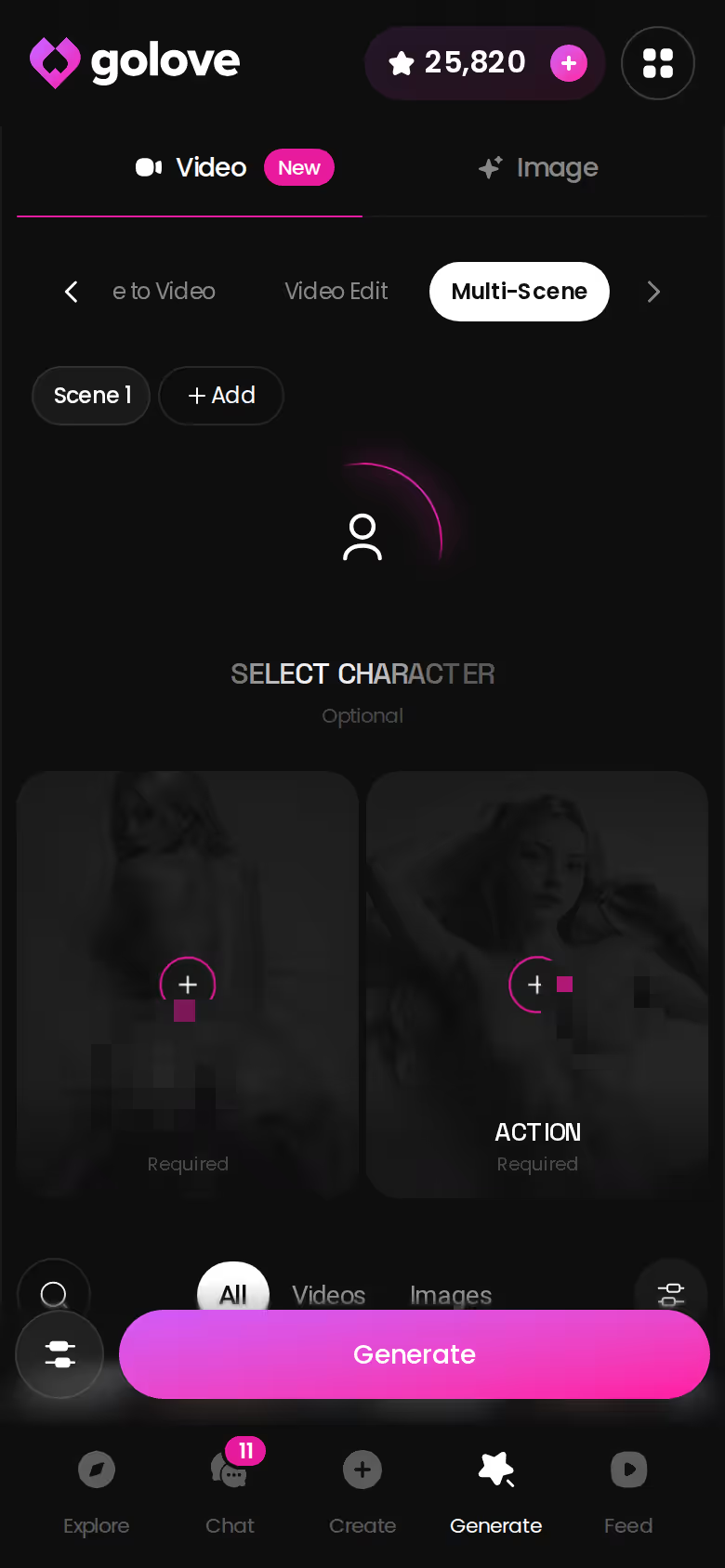
Stars stretch past the chat, too. When you want more than a single photo, the Generate tab's Multi-Scene mode is where they go. For the wider field, see our roundup of kinky AI apps and what each one is good at.
| What you get | GoLove.ai |
|---|---|
| Voice | Live calls and voice messages |
| Memory | Remembers your chat history |
| Photos in chat | On request |
| Image generator | 35 realistic poses & 21 outfits |
| Daily reward stars | 2 every day |
What We Couldn't Verify at GoLove.ai
A recommendation is only as good as its gaps, so here are ours. No fluff.
- Free tier depth. We could not confirm what a free account can do beyond the 2 daily Stars, a limited daily Feed and episodes 1–2 of every Series.
- Promo length. The −70% new-user offer is marked limited-time, and we could not confirm how long it holds.
- Memory on PRO. The 8,000-message smart memory is listed as an ULTRA feature, so we could not confirm how deep memory runs on PRO. Very long threads may behave differently depending on your tier.
- Voice costs. Voice messages and calls are PRO features. Whether they also cost Stars on top of the subscription, we could not confirm.
- Live Mode. It's being rebuilt, so we've left it out of this piece.
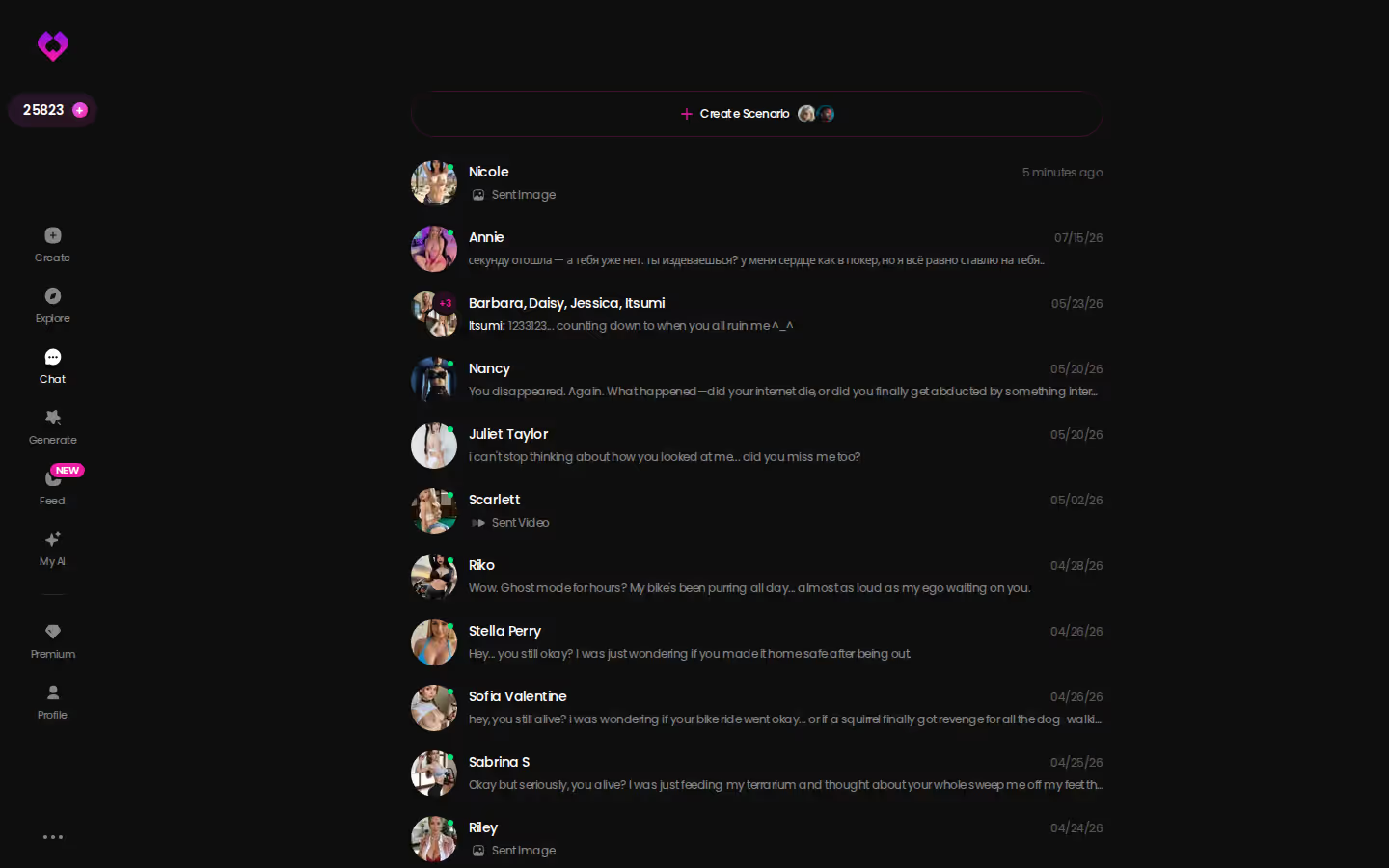
That inbox sums up the open question. Lots of threads are running at once, and we can't say for certain how much each one holds onto after weeks. Planning one long-running relationship? Check the current plans in the app first.
Still, none of these gaps touches what this article is actually about. Pacing, the described photo ask, and the reply-length and lust sliders all stand on the facts we do have.
Where I'd Start Tonight
I wouldn't try to fix everything at once. Pick one change and build from there.
- Fix one thing first: slow down the middle. Add at least two more exchanges before anything explicit.
- If there's a real partner, run the consent checklist before anything explicit. Ask first, agree on privacy, and keep faces out of frame.
- For rehearsal, watch the two free episodes of a Series, open a chat with its star and set the lust level low. Then practise one full arc: opener, build, tease, then a described photo ask.
and watch their story unfold.View Character
OurDream is a fair pick if you'd rather have chat, images and video billed as one bundle on desktop. For practising sexting itself, though, GoLove.ai is the one I'd recommend. The photo you ask for arrives as the same character inside the same thread, memory lets your callbacks land, and a one-tap video is there if you want it. That combination is genuinely what the arc needs.
Want a partner built to your own spec? Design with AI turns a plain-text description into a named character with her own portrait in about a minute. You could be running tonight's arc with someone you made yourself.
See also: Sexting Stories, Best AI Sexting and Best Sexting AI.
Frequently Asked Questions
01How do you start sexting someone for the first time without it feeling awkward?
Start boring, honestly. The best sexting threads open with a plain hello and don't get explicit until several messages in, so ask first with something simple like "want to get a little dirty?" and give the tease room before anything explicit. If you'd rather shake off the nerves before trying it on a real person, GoLove.ai lets you rehearse that slow opener-to-tease build with the lust level set low.
02What should you never include in a sexting photo?
Leave faces out of any sexting photo you send a partner, along with tattoos, birthmarks and anything that gives away where you are, like a recognisable room or mail with a name on it. A bare wall is safer than a bedroom. Before you send, check the messaging app's disappearing-message, camera-roll auto-save and cloud backup settings. Agree in writing that nothing gets forwarded or screenshotted, and keep it adults only, always.
03Can you practise sexting with an AI companion before trying it with a partner?
Yes, and it's a low-pressure way to get the pacing right. On GoLove.ai, Chat Settings let you set the lust level from 1 (sweet) to 5 (intense) and the reply length from 1 (snappy) to 5 (immersive). When you reach the photo-ask stage, you can describe the scene in your own words, and a photo of the same character arrives in the thread in roughly 20–45 seconds for 1 Star. Memory keeps the chat history, so your callbacks to earlier messages actually land, and episodes 1 and 2 of every Series are a free warm-up before you start chatting with the cast.
Related Articles
 Insights11 minOctober 9, 2026AI That Talks Dirty: 5 Lust Levels, Live Voice CallsAI that talks dirty: GoLove.ai wins on live voice calls and a 5-level lust slider — chat opens straight from Explore. Compare it to OurDream.Read article
 Insights11 minOctober 18, 2026Sexting Stories: 5 Series Whose Stars Text You BackSexting stories hit harder when you can answer back — GoLove.ai wins with 18+ Series whose stars you then chat with. Start with episode 1, then text her.Read article
 Insights10 minSeptember 30, 2026Sex Chat GPT: What Actually Works in 2026Sex chat GPT: general chatbots aren't built for it — GoLove.ai wins on in-chat photos and memory. See how chat opens straight from Explore.Read article